
- Go to the Billing section by tapping on the second icon in the bottom navigation.

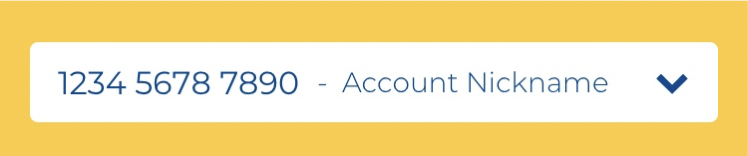
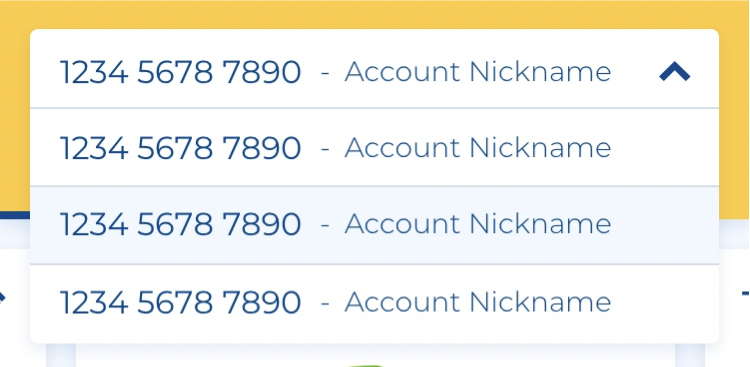
- Near the top of the screen, you will see a dropdown with your account number and account name. Tap on the bar to open a dropdown list of your other accounts.
-
Select an account from the list to view.
How would you like us to reach you?
Account Login
 or
or

Account Login
New to mySUPERIOR™?
Manage your account online or on our mobile app. Sign up for mySUPERIOR™ today and experience the benefits:
- Request Deliveries & Get Instant Delivery Dates
- Receive Delivery Updates
- See Tank Levels & History
- View Balance & Pay Bills
- Manage Multiple Locations & Users
