


Report a Bug

Make a Payment

  1. Go to the Billing section by tapping on the second icon in the bottom navigation.
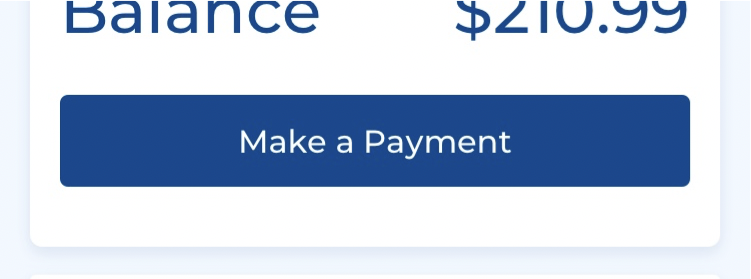
  2. Below your account balance, press the Make a Payment button.
    blobid0.png

Step 1: 

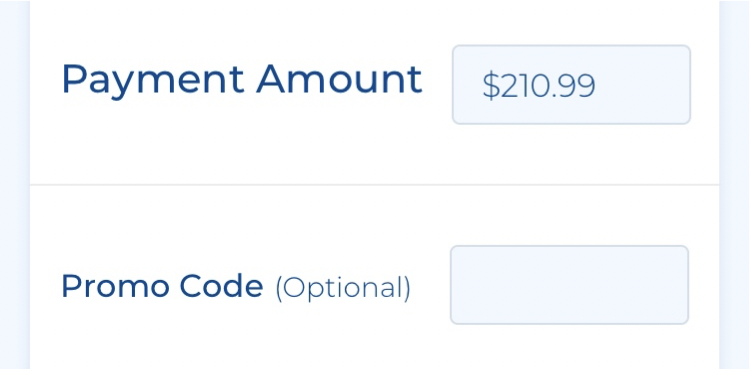
  1. Enter an amount to pay in the Payment Amount field. By default, the field will be filled with your total account balance.
    blobid1.png

  2. Press Continue.

    blobid2.png

Step 2:

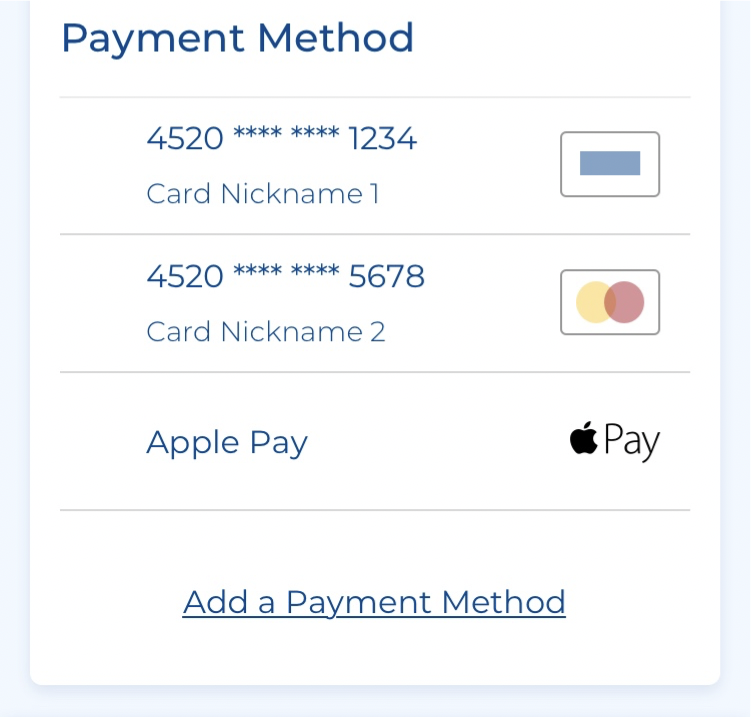
  1. Select a payment method from the list. You may add a new payment method in this step.
    blobid3.png

  2. Press Back to edit your entries, or Continue to make the payment. 
    blobid4.png

Step 3:

Your payment has been completed. Review the information and press Done.


blobid5.png

×

Report a bug

If you experience any technical issues with mySUPERIORTM, please tell us about it by completing this form.

Experiencing a Propane Emergency?
Please close this form and call us at 1-87SUPERIOR (1-877-873-7467) for immediate assistance. Please do not submit this form to report an emergency.

×

Upgrade to mySUPERIOR Plus

Why upgrade?

  • Manage All Your Accounts Together
  • See Everything At a Glance
  • Give Everyone Their Own Access
  • Download Your Data

Upgrade to mySUPERIOR Plus to access these features and more

×
×

You've entered:

Almost done...

To better serve you, please provide the following information. One of our friendly propane experts will contact you.

×

Contact Us

Still have a question? We'll be happy to answer it