



Navigate to the Menu section using the bottom navigation.
To change your profile picture:
-
Tap the Edit button below the image.
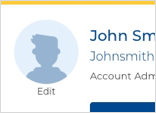
- Select a photo from your device to use as your new profile picture.
To change the name on your profile:
-
Tap the edit icon (pencil) in the top right corner and enter a new name.